Το άρθρο λείπει, είναι παρωχημένο ή δεν έχει ακόμη ελεγχθεί στα Ελληνικά. Εμφανίζεται η έγκυρη αγγλική πηγή.
Ξεκινήστε εδώ
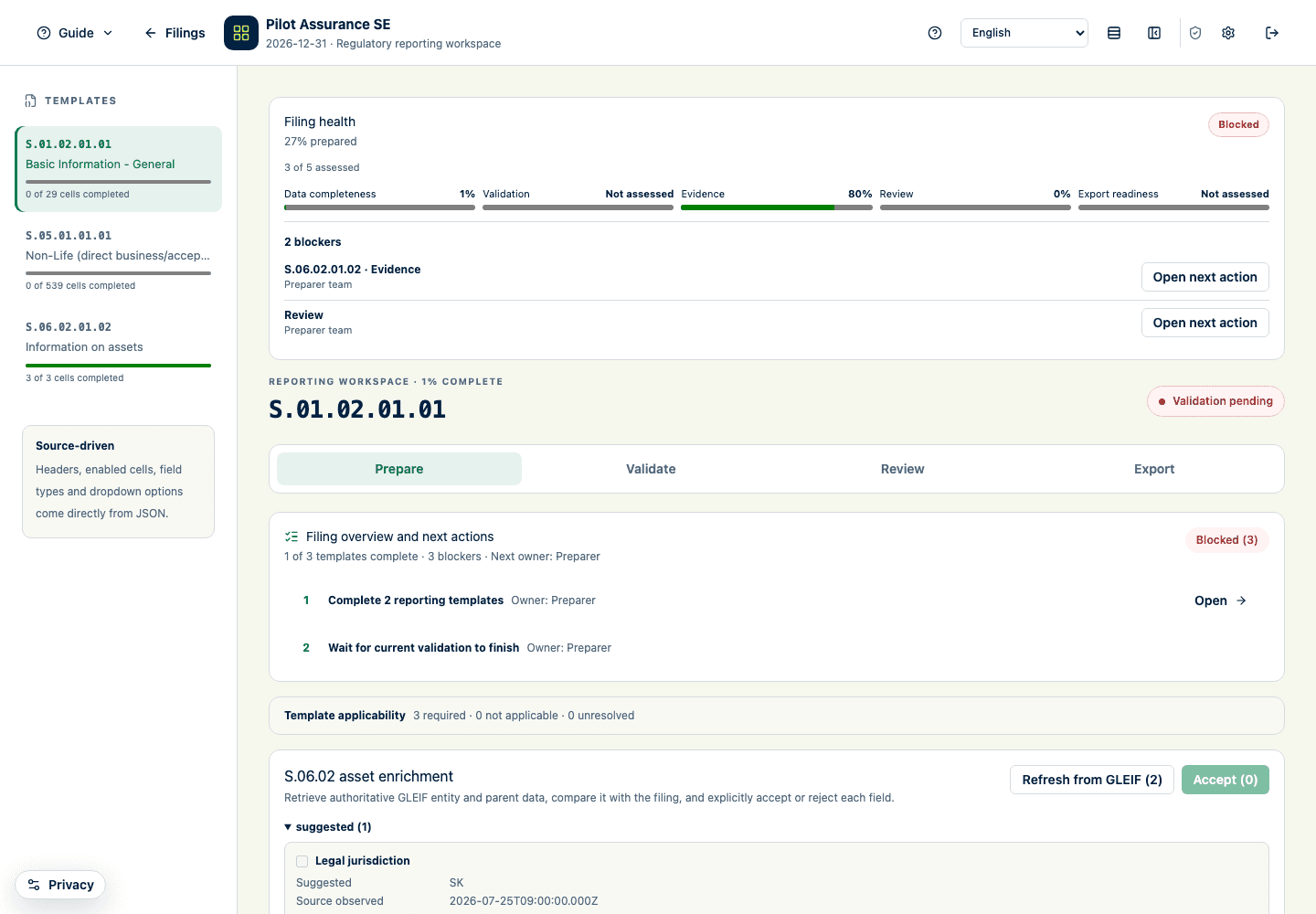
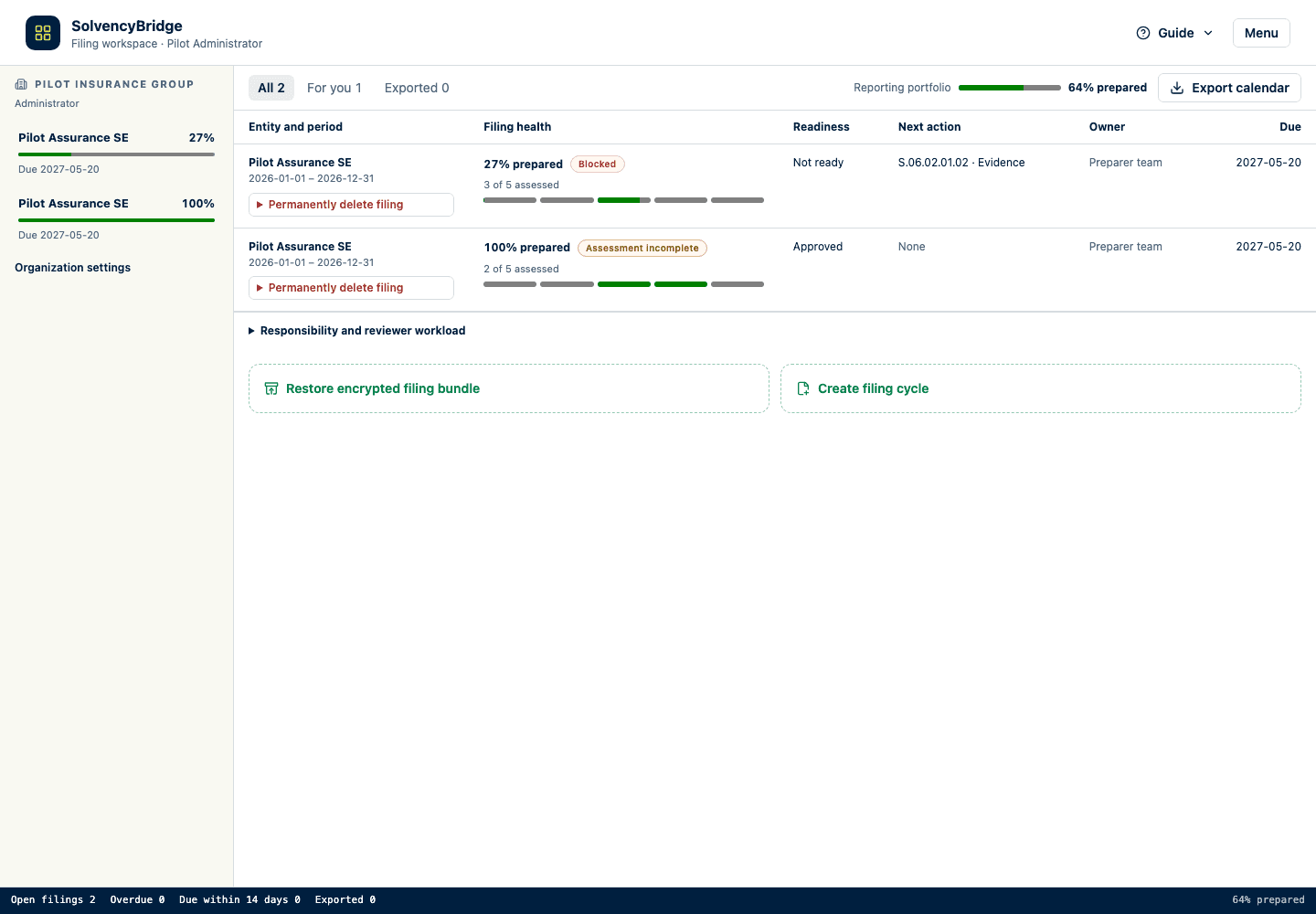
Use the guided tours
Learn the portfolio, filing, billing, and administration screens with localized, restartable walkthroughs.
Quick path
- Open Filings, a filing, Billing, or Administration.
- Select Guide in the page header.
- Choose the overview or task-specific tour that matches your goal.
- Use Next and Back to inspect the available controls.
- Select Done, close the tour, or press Escape when finished.
Who can use the tours
Every signed-in user can use the portfolio, filing, and billing tours. System administrators can also use the administration tour. The available steps adapt to the screen and controls that the user’s role and current filing state can see.
Start or restart a tour
- Open Filings, an individual filing, Billing, or Administration.
- On a desktop first visit to a main screen, its overview tour starts automatically once the screen is ready. Tours do not auto-start on narrow screens, where they could cover the current action or feedback. Optional task-specific tours do not auto-start at any size.
- Use Next and Back to move through the available controls.
- Select Done, close the popover, or press Escape to leave the tour.
- Select Guide in the page header whenever you want to run an overview or task-specific tour again.
The browser remembers that a version of each tour has been seen. Clearing local browser storage can make it open automatically again; it does not change filing data or audit history.
Language
Tour titles, explanations, progress, and buttons use the active interface language. If you change the language in the filing header and restart , the new tour is built in that language. The tour never changes your language selection.