Dan l-artiklu huwa nieqes, skadut jew għadu ma ġiex rieżaminat bil-Malti. Qed jintwera s-sors awtorevoli bl-Ingliż.
Irrevedi rapport
Request, correct, and review changes
Run an attributable correction cycle without losing the earlier review history.
Verżjoni 2026.8.18 minRieżaminatur · Amministratur · Min iħejjiRieżaminat 2026-07-25
Who can perform the task
The assigned reviewer or administrator requests changes. Administrators and preparers with edit access make corrections and resubmit.
Before you begin
The reviewer should identify the affected table or evidence, expected correction, and reason. Do not use a vague request for a material issue.
Quick path
- Identify the exact value, finding, or evidence item that needs correction.
- Request changes with a specific, actionable comment.
- As preparer, correct the source or filing value and rerun validation.
- Resubmit the filing and preserve the response and evidence trail.
- As reviewer, verify the correction before approving or requesting another change.
Detailed guidance
- In Review and audit, add explanatory comments where useful.
- Enter the reason and select Request changes.
- The preparer confirms the status is Changes requested.
- Correct values by entry or by previewing and applying an import.
- Re-run validation and update supporting evidence.
- Reply through an attributable comment and submit to the assigned reviewer again.
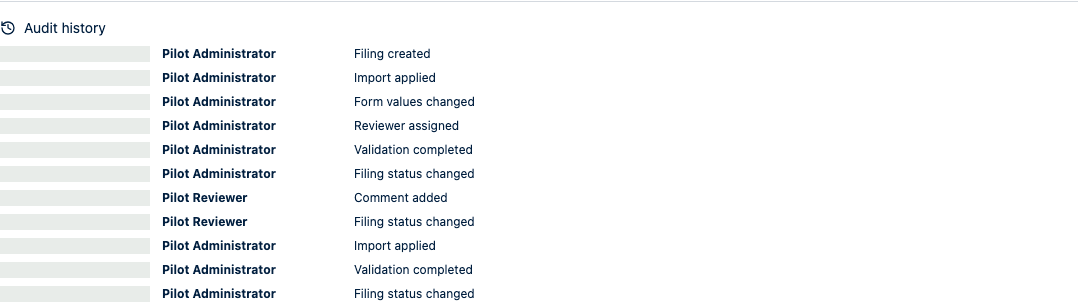
- The reviewer compares the corrected state with the request and earlier audit events.
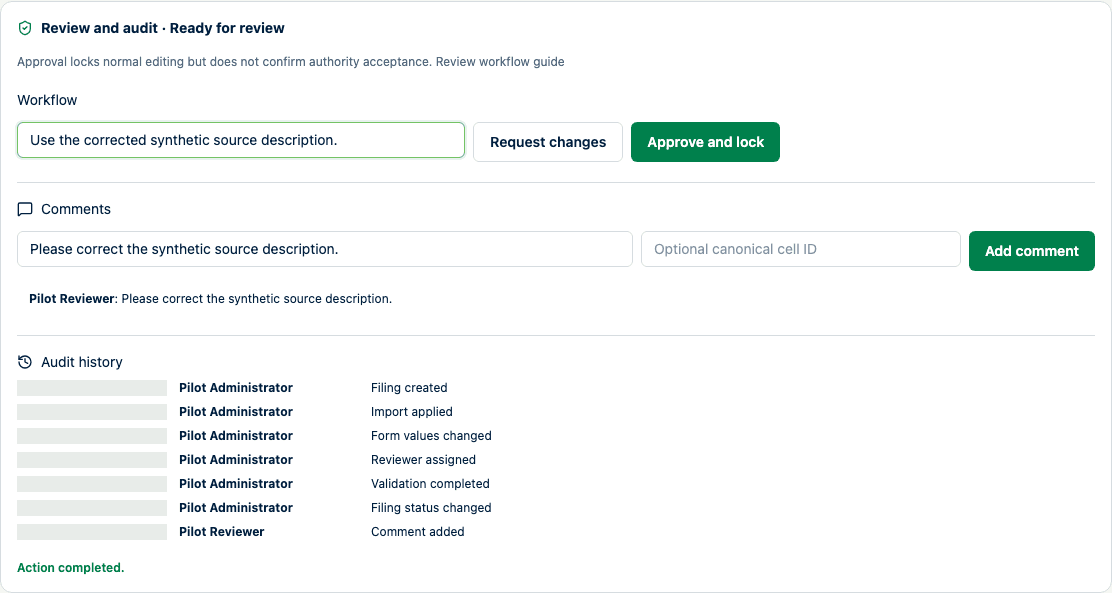
The reviewer records both the correction context and the workflow decision.