Straipsnio nėra, jis pasenęs arba dar neperžiūrėtas lietuvių kalba. Rodomas viršenybę turintis šaltinis anglų kalba.
Pradėkite čia
Sign in and open a filing
Access your workspace and confirm you opened the intended entity and reporting period.
Who can perform the task
Any user whose existing account is a member of an organization.
Before you begin
Obtain the application address and account credentials through your organization’s approved channel. Never use the public synthetic pilot credentials on a shared or production deployment.
If you received an organization invitation, open its newest link within seven days. Sign in with the exact invited email. If you create an account first, open the verification email within 30 minutes, verify that address, return to the invitation, and sign in before selecting Accept invitation. Invitation links are single use.
Quick path
- Open the SolvencyBridge sign-in page and use your approved account method.
- Complete any identity-provider or verification step.
- Choose the organization you intend to work in.
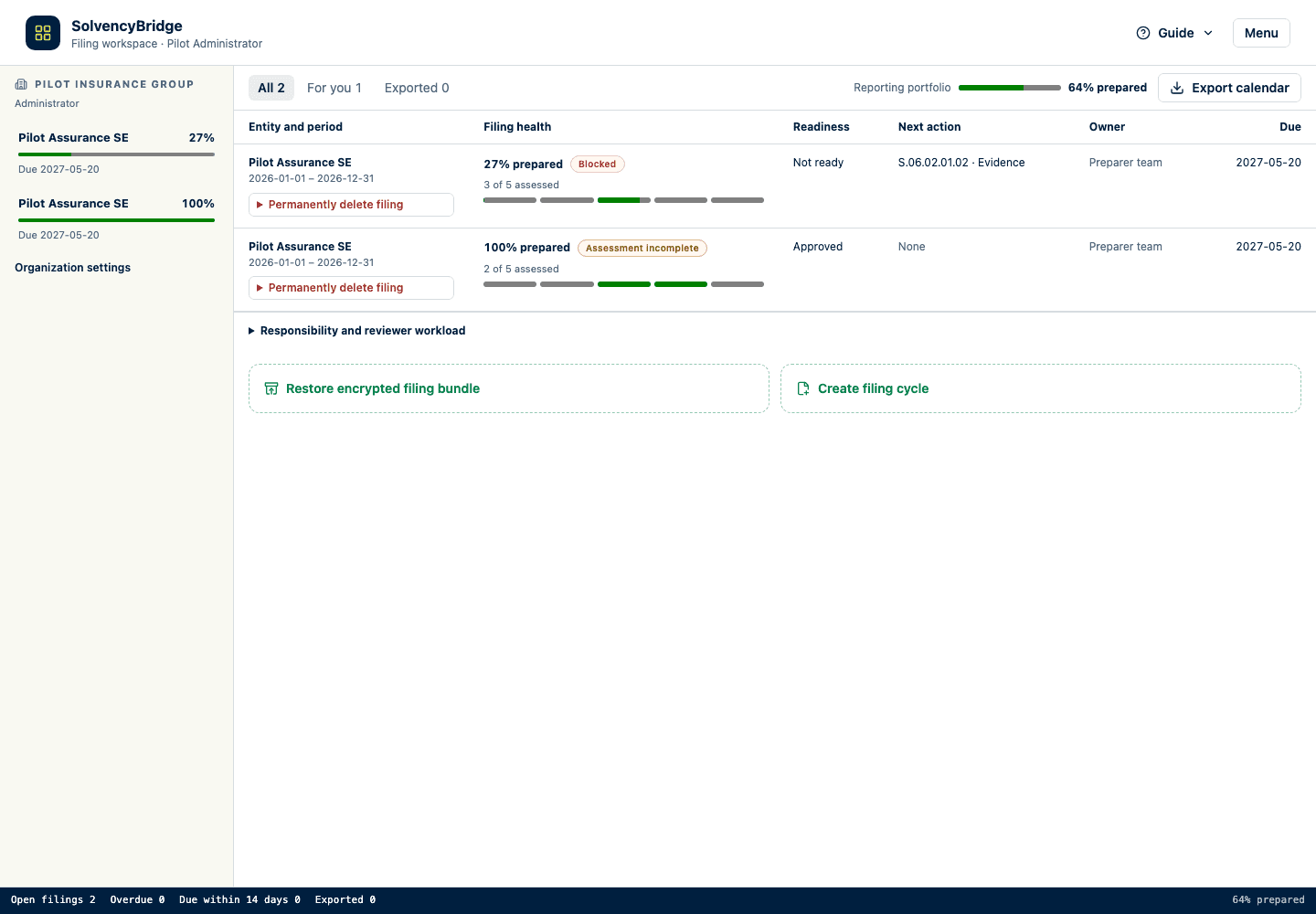
- Open the assigned filing from the portfolio.
- Confirm your visible role and filing identity before entering or reviewing data.
Detailed guidance
- Open the SolvencyBridge address supplied by your administrator. The public product page is at
/; the authenticated filing portfolio is at/workspace. - If needed, choose your language by name from the language selector. The selector uses a localized language name when the browser provides one and otherwise uses the language's native name. The sign-in screen and filing workspace keep the same language preference.
- Select Sign in, enter your email and password, and complete sign-in. SolvencyBridge opens
/workspaceafter authentication. - On Filings, locate the reporting entity and period.
- Check the jurisdiction/status badge and due date.